TMS Platform 2.0
TMS Platform Modernization - Redesigning and Adding new Features in Enterprise Logistics Software for 50+ Clients
Role
UX/UI Designer
Platform
Enterprise Web (B2B SaaS)
Duration
18 months
Tool
Figma, Microsoft Azure, Google Docs, Coda
Overview
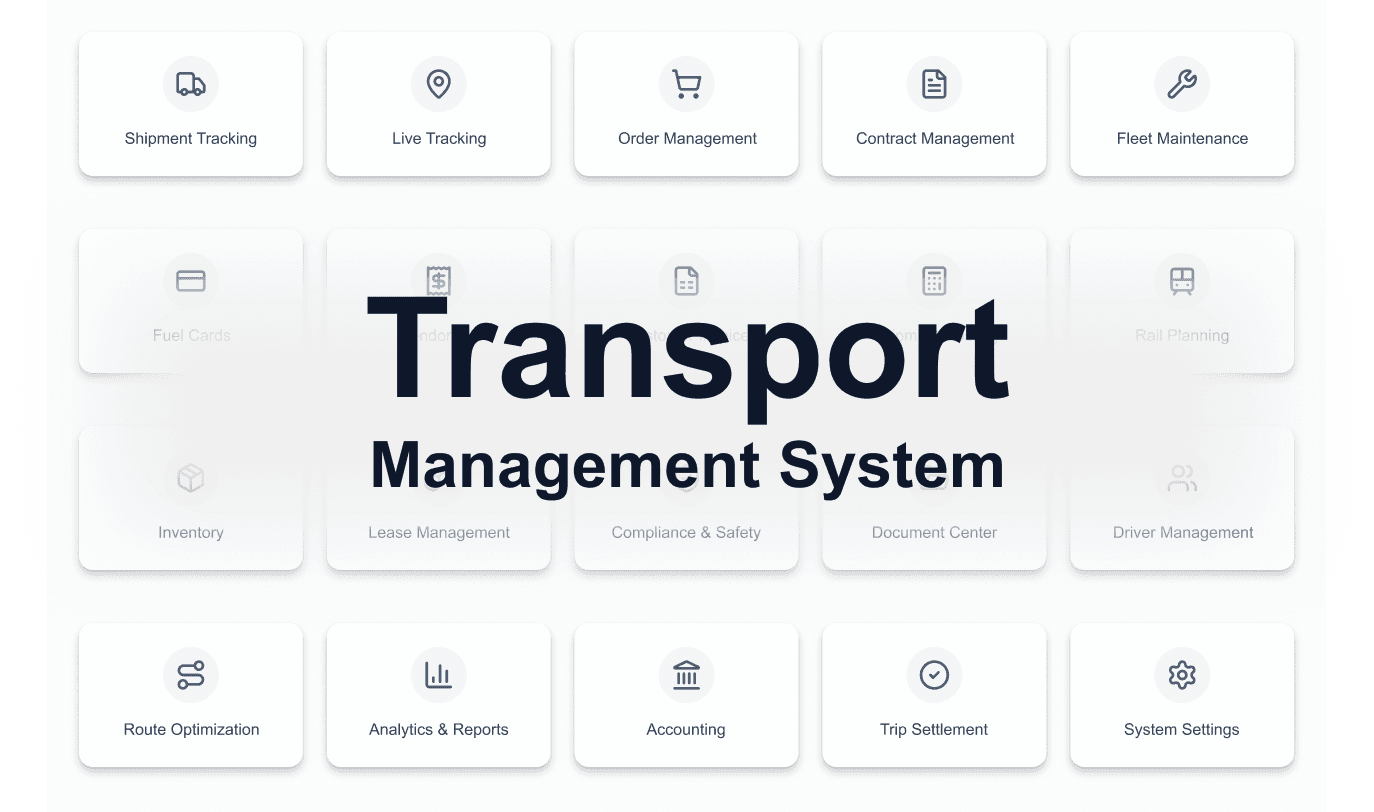
The company ran its logistics across 5+ disconnected systems — SAP, nSolution, WebXpress, Excel, and an aging TMS 1.0. The goal was to replace everything with a single platform: 20+ modules, 50+ enterprise clients, one source of truth.
I joined after the foundational architecture and early modules were underway. My job: design new modules, improve what existed, and own design through development, QA, and UAT.
Problem Statement
Five tools. Zero coherence. Less Work. High Cost.
The logistics operations of 50+ enterprise clients ran across SAP, Excel, nSolution, WebXpress, and a legacy TMS 1.0 — with no integration, no real-time sync, and no unified user experience.
Every workflow was a context switch. Every report was manual. Every client had a different version of the truth.
Switching between 5 tools to track a single shipment caused 40+ min daily overhead for Operations Team
Manual data re-entry across systems led to billing errors and reconciliation delays for finance team which results in 40-60% High cost.
No real-time vehicle visibility. Fleet managers relied on phone calls and WhatsApp. which results in 50% less visibility of the operation going on.
Zero consolidated reporting. MIS decks were assembled manually every Monday morning. which results in 10-15% Client loss.
Outcomes
5+ systems -> 1 Platform
One Platform Replaced SAP, nSolution, WebXpress, Excel.60%+
Reduction in manual operation work90%+
User satisfaction across all deployment phases50%
Cost Savings which results in high revenue


My Contribution
This section shows what i have done in this project.
New module design
Designed several modules end-to-end — information architecture, user flows, wireframes, and final UI. Each had to work standalone while sharing data across the platform.
BRDs and Designing Solution Document
Created design solution documents with the help of Business Analyst and take part in Business Requirement documents preparartion meetings.
Refining existing designs
Audited earlier designs, identified inconsistencies and interaction gaps, and redesigned screens to align with the current feedbacks or any requirement changes..
Dev handoff & QA
Created clickable Figma prototypes, wrote interaction specs, recorded flow walkthrough videos, and sat with QA engineers during testing to catch issues before production.

Other projects

Plant Management System
Designing a real-time system to track, categorize, and visualize vehicle movement within the plant, optimizing space utilization and resource allocation.

Intelligence Dashboard
Designing a unified system to track, analyze, and optimize plant logistics operations in real time.

ECG App
An ECG interpretation app built for practitioners and cardiovascular professionals. Designed to support accurate, efficient, and expert-level diagnosis in daily clinical practice.

Womeyn
A platform by women, for women. Womeyn supports women-led businesses through a socially-driven eCommerce ecosystem. Empowering women through community, commerce, and economic independence.

Design system project
A scalable and unified design system built to streamline our TMS platform, ensuring consistency, efficiency, and a seamless user experience across all logistics operations.